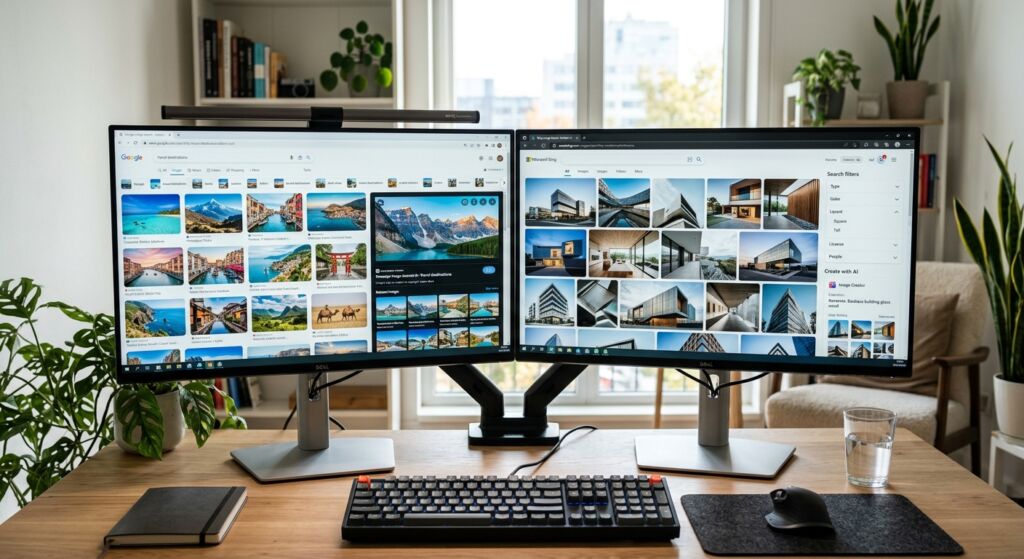
Stop wasting time. Compare the pros and cons of using Bing vs Google for image search to find the best AI tools and reverse search features now.
The Short Answer: Which Search Engine Wins for Images?
Choosing between Google and Bing for image search in 2026 depends on whether you want sheer volume or surgical precision. Google remains the king of mobile integration and speed. If you use an Android phone or Chrome, Google Lens makes identifying objects in the real world nearly instant. However, Bing has overtaken Google for professional creators who need granular filters and built-in AI generation tools.
In our work at Infineural Technologies, we have found that Google works best for finding specific products or general inspiration. Bing is the better choice for designers who need to filter by specific aspect ratios or find high-resolution wallpapers without clicking through ten different sites. Both platforms have added massive AI updates this year, making the choice harder than ever.
2026 Comparison Summary: Google vs. Bing Image Search
Before diving into the technical nuances, here is a quick-glance comparison of how these two giants stack up for image search tasks in 2026.
| Feature | Google Image Search | Bing Image Search |
|---|---|---|
| Primary Strength | Mobile integration & real-world object ID. | High-res discovery & designer filters. |
| AI Integration | Gemini 2.0 (Predictive & Contextual). | DALL-E 4 (Generative & Artistic). |
| Filter Depth | Basic (Size, Color, Type). | Advanced (Layout, People, Date, License). |
| Reverse Search | Google Lens (Industry Standard). | Visual Search (Best for desktop/source tracing). |
| Monetization | High (Heavy focus on Shoppable Ads). | Moderate (Focus on Pinterest-style discovery). |
While Google leads in sheer volume and mobile convenience, Bing has successfully positioned itself as the superior tool for professional workflows involving high-resolution assets and specific licensing needs.

Google Image Search Pros and Cons: Speed, Index Size, and Mobile Integration
Google remains the default for most people because it is fast. By April 2026, the search giant has integrated its Gemini 2.0 vision models directly into the search bar. This means you can describe a complex scene, like a red car driving through a rainy Tokyo street at night, and Google will find existing photos that match that exact mood. This is a step beyond simple keyword matching.
The biggest pro for Google is its massive index. It sees more of the web than anyone else. If a photo exists on a small blog in rural India, Google likely found it first. For marketers looking for hyper-local digital marketing assets, this coverage is hard to beat. The downside is the interface. Google has increasingly cluttered the top of the results with sponsored product listings and AI-generated overviews, pushing organic images further down the page.
Bing Image Search Pros and Cons: Advanced Filters and AI Generative Tools
Bing has carved out a niche by offering tools that Google lacks. One of the best features is the layout. Bing uses a clean, edge-to-edge grid that feels like a gallery rather than a list of links. It makes scanning hundreds of images much faster. For a detailed breakdown of where these platforms sit in the wider market, check out our Top Search Engines List: 12 Best Platforms for Traffic (2026).
The real power of Bing lies in its filters. You can filter by color, size, and layout, but Bing goes further. You can filter by "People" to show only headshots or full-body photos. This is incredibly useful for presentation designers. Bing also integrates DALL-E 4 directly into the search interface. If you cannot find the perfect image, you just click a button to generate it on the spot. Google has a similar feature, but Bing’s implementation feels more intuitive for daily use.
Copyright and Licensing: Which Search Engine Protects You Better?
For professional designers and B2B marketers, the biggest risk in image search isn’t finding the image—it’s using an image you don’t have the rights to. In 2026, the gap between Google and Bing regarding licensing filters has widened.
Bing’s Licensing Edge: Bing remains the superior tool for those avoiding copyright infringement. Its ‘License’ filter is more granular, allowing users to filter specifically by Creative Commons or commercially usable assets with higher accuracy. Because Bing integrates more deeply with professional stock libraries, the metadata associated with its results is often cleaner, reducing the ‘guessing game’ when sourcing assets for a client project.
Google’s Volume vs. Precision: Google offers ‘Usage Rights’ filters, but the sheer volume of its index often leads to ‘false positives’—images labeled as free to use that actually belong to a copyrighted portfolio. While Google’s AI helps identify the source of an image more quickly, it doesn’t always guarantee the legal right to use it.
- Pro Tip for Marketers: Always cross-reference a Google-found image using Bing’s reverse search to verify the original license holder.
- Recommendation: Use Bing if you are sourcing images for a commercial website or paid ad campaign to minimize legal risk.
Visual Search: Google Lens vs. Bing Visual Search
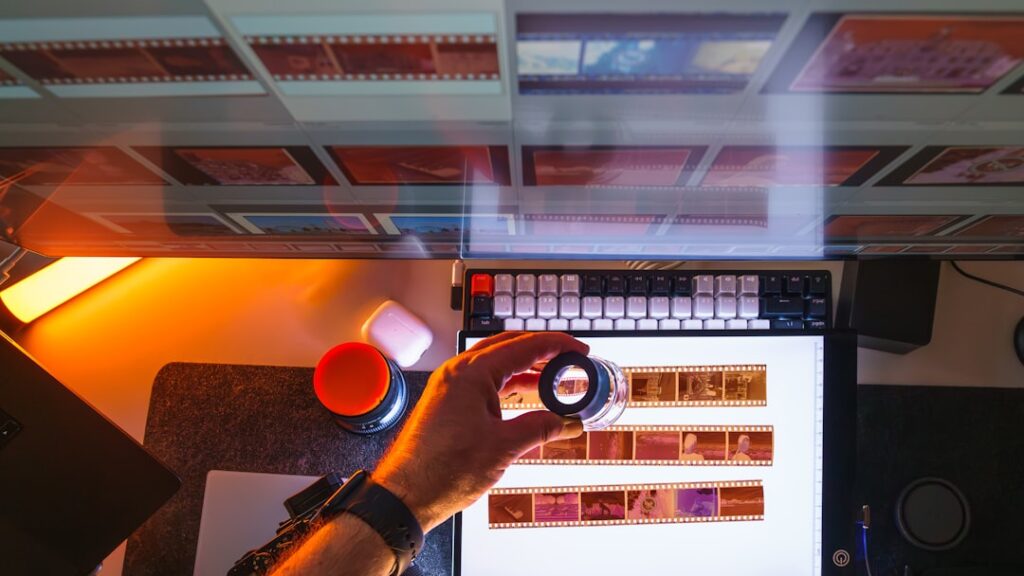
Visual search has fundamentally changed how we shop and research. Google Lens is the industry standard for mobile users. In 2026, it doesn’t just identify objects; it understands context. If you take a photo of a broken part on a machine, Google Lens can identify the part, find the manual, and link you to the nearest supplier in real-time.
However, Bing Visual Search offers a more powerful experience for desktop users and researchers. While Lens is built for ‘on-the-go’ discovery, Bing’s visual search is designed for ‘deep-dive’ tracing. It is significantly more effective at finding the highest-resolution version of an existing image or tracing an image back to its original creator across multiple platforms, including niche forums and art galleries.
The Final Verdict: Which Should You Choose in 2026?
The ‘winner’ depends entirely on your objective. To simplify your choice, we have categorized the best use cases for each platform below:
- Choose Google Image Search if: You are on a mobile device, need to find a niche image from a remote corner of the web, or want to identify a physical object in front of you using Gemini 2.0. It is the tool for discovery.
- Choose Bing Image Search if: You are a professional designer, need specific aspect ratios, require verified licensing for commercial use, or want to generate a custom asset using DALL-E 4 without leaving the search page. It is the tool for production.
In the current landscape of 2026, the most efficient workflow is a hybrid approach: discover the concept on Google, then use Bing to find the high-resolution, licensed version of that asset.

Key Comparison:
- Google Lens: Best for real-world identification, instant translation, and mobile shopping.
- Bing Visual Search: Best for source tracing, finding high-res alternatives, and desktop-based mood boarding.
For those optimizing their own images to be found via these tools, understanding GEO strategies for AI brand citations is essential, as AI vision models now prioritize structured metadata over simple alt-text.
Visual Search: Google Lens vs. Bing Visual Search
Visual search has changed how we shop and research. Google Lens is the industry standard here. In 2026, it can identify specific clothing brands, plant species, and even translate text on a moving screen with 99% accuracy. It is the ultimate tool for mobile users who see something in the world and want to find it online immediately.
Bing Visual Search is better for desktop users. If you find an image on a website, you can drag and drop it into Bing to find similar styles or higher-resolution versions. Bing is particularly good at finding the original source of an image. This helps when you need to verify licensing or give proper credit to a creator. While Google is better at recognizing objects, Bing is often better at finding visually similar artistic styles.
Reverse Image Search: Sourcing Accuracy in 2026
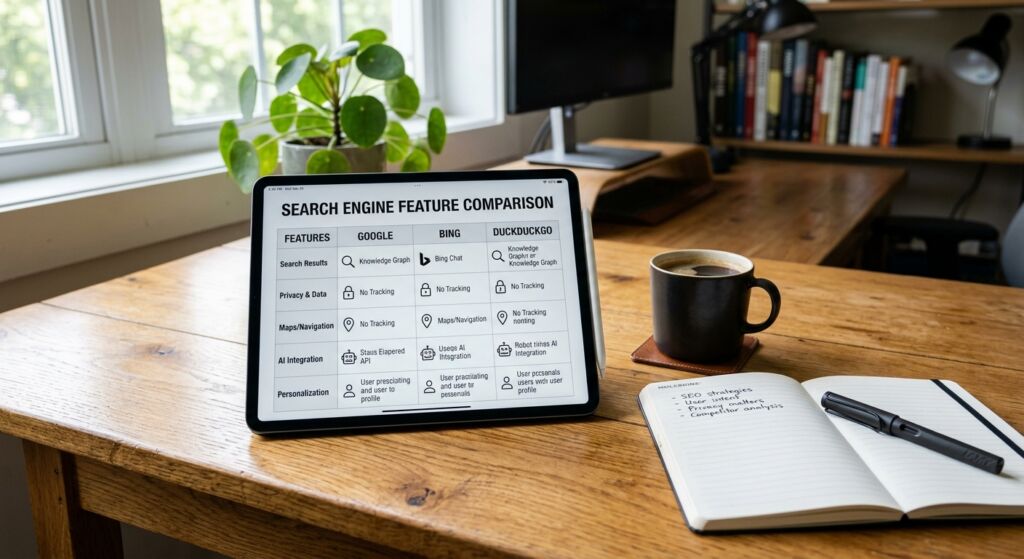
One of the biggest pros and cons of using Bing vs Google for image search relates to how they handle reverse image lookups. In 2026, the ability to find the original creator of a file is critical for avoiding copyright infringement.
Google Lens: The Context King
Google Lens uses contextual AI to tell you what is inside the image. If you upload a photo of a specific chair, Google will tell you where to buy it and who designed it. However, it often fails to find the exact original file if that file is hosted on a low-traffic portfolio site.
Bing Visual Search: The Source Finder
Bing excels at finding the exact match. If you are a digital marketer trying to verify if a stock photo is truly ‘unique’ or widely used across the web, Bing’s algorithm is more effective at crawling various resolutions of the same file. This makes Bing the preferred tool for legal teams and content editors who need to verify image provenance before publication.

Comparing Licensing and Copyright Tools
Finding images you can actually use without getting sued is a challenge. Google uses a "Usage Rights" filter that sorts by Creative Commons licenses or Commercial licenses. It is straightforward but often misses images that are mislabeled by their owners. This is a common failure mode for researchers who need legal certainty.
Bing handles this slightly better by showing the license type directly in the image preview. In 2026, Bing also added a feature that flags images likely to be AI-generated. This is a big deal for publishers who want to avoid the "plastic" look of low-quality AI art. If you are doing academic research, having these clear markers saves hours of manual checking.
User Experience and Interface Shifts in 2026
The way we interact with these search engines has shifted toward chat-based interfaces. Google’s Search Generative Experience (SGE) now creates a collage of images based on your conversation. It feels more like a mood board than a search result. It is great for brainstorming but bad for finding a specific file you saw last week.
Bing has stayed more traditional with its image tab while adding an AI sidebar. This gives you the best of both worlds. You get the familiar grid of results, but you can ask the AI to "find more images like the third one but with more blue tones." This level of control is why many power users are switching to Bing for their creative workflows. It is also a key part of AI overview optimization strategies we recommend to our clients.
The Verdict for Marketers and Creators
Use Google if you are on the go. Its mobile app and Lens integration are miles ahead of the competition. It is also the best tool for finding products to buy, thanks to its deep integration with Google Shopping. If you need to find a specific pair of shoes you saw on the street, Google is your best bet.
Use Bing if you are sitting at a desk and working on a project. The filters, the gallery view, and the integrated DALL-E 4 generation make it a superior workstation tool. It handles high-resolution searches better and provides more information about the image without forcing you to click through to the host website. At Infineural Technologies, our design team uses Bing for 70% of their initial image research for this exact reason.
Frequently Asked Questions
Which search engine is better for high-resolution images in 2026?
Bing generally offers better filtering for high-resolution and "extra-large" images than Google. Its interface also makes it easier to see image dimensions without clicking.
Does Google or Bing have better AI image generation?
As of April 2026, Bing’s DALL-E 4 integration is more user-friendly and produces higher-quality creative assets. Google’s Imagen 3 is better at photorealism but is more restricted in search.
Is Google Lens better than Bing Visual Search?
Google Lens is superior for mobile use and object identification in the physical world. Bing Visual Search is better for desktop users looking for visually similar artistic styles.
Which engine is safer for finding royalty-free images?
Both are similar, but Bing provides clearer license badges directly in the search results grid. Always verify the license on the source website before using an image commercially.
Can I search for images by color on both platforms?
Yes, both Google and Bing allow you to filter by dominant color. Bing’s color filter is slightly more accurate for subtle shades like teal or mauve.
Which search engine is better for finding products to buy?
Google is the winner for shopping because it links directly to merchants and shows real-time pricing and reviews. It is the standard for transactional image searches.
How do I find the original source of an image in 2026?
Use Bing’s reverse image search, as it often identifies the earliest instance of an image better than Google. This is helpful for debunking fake news or finding creators.
Does Bing or Google show more ads in image search?
Google currently displays more sponsored product listings at the top of image results. Bing has ads, but they are often placed less intrusively within the grid.
Ready to master your digital presence in 2026? Whether you are optimizing for Google or Bing, the team at Infineural Technologies can help you build a content strategy that wins. Reach out to us today to see how we can grow your traffic and visibility.
Infineural is a digital marketing, development and hosting company based in Nashik, India, founded in 2018. It runs SEO, Google Ads, performance and WhatsApp marketing, builds custom WordPress sites, web apps and mobile apps, manages hosting, and makes Infineural CRM and WhatsInfi. Every engagement starts with a written scope and runs through a client dashboard showing the work log, billing and results.
- Search Engine & Generative Engine Optimization Specialists
- Google Ads Management & Performance Marketing Experts
- Advanced WordPress & Custom Web Application Developers
- B2B, D2C & Enterprise Conversion Rate Optimization (CRO) Leaders
- Digital Growth Partners for Hospitality, Healthcare, and Education