Picture this. You wake up. You grab your morning coffee. You open your laptop to check your sales.

But instead of your homepage, you see a blank white screen. Or worse. You see a message demanding Bitcoin to restore your data.
It sounds like a movie plot, doesn’t it? But for thousands of business owners, this is a daily reality. In fact, Google blacklists over 10,000 websites every single day for malware. And with WordPress powering over 43% of the web, it is a massive target. Hackers love it. Bots love it.
But here is the good news.
You do not have to be a victim. You can fight back. And you don’t need to be a coding genius to do it. The right tools can turn your website from an easy target into a digital fortress.
In this guide, I am going to break down the absolute Best WordPress Security Plugins available today. These aren’t just random picks. These are tools we have tested. Tools that act as your 24/7 security guards.
Ready to secure your hard work? Let’s get started.
Why WordPress Security is Non-Negotiable
Many people make a dangerous assumption. They think, “I’m just a small business. Who would want to hack me?”
Here is the truth. Hackers don’t care who you are. They use automated bots to scan millions of sites. They are looking for vulnerabilities, not specific people. If your door is unlocked, they will walk in.
The consequences? They are brutal.
- Data Theft: You could lose customer emails, passwords, and credit card info.
- SEO Penalties: Google will flag your site. Your rankings will tank overnight.
- Reputation Damage: Trust takes years to build. It takes seconds to break.
- Financial Loss: Cleaning up a hack costs money. A lot of it.
Investing a few minutes now to set up a security plugin is smart. It is infinitely cheaper than spending weeks cleaning up a mess later. It is about peace of mind.
Key Features to Look For in a WordPress Security Plugin
Not all plugins are created equal. Some are just scanners. Others are full-blown firewalls. Before you download anything, you need to know what you are looking for.
Here are the essential features:
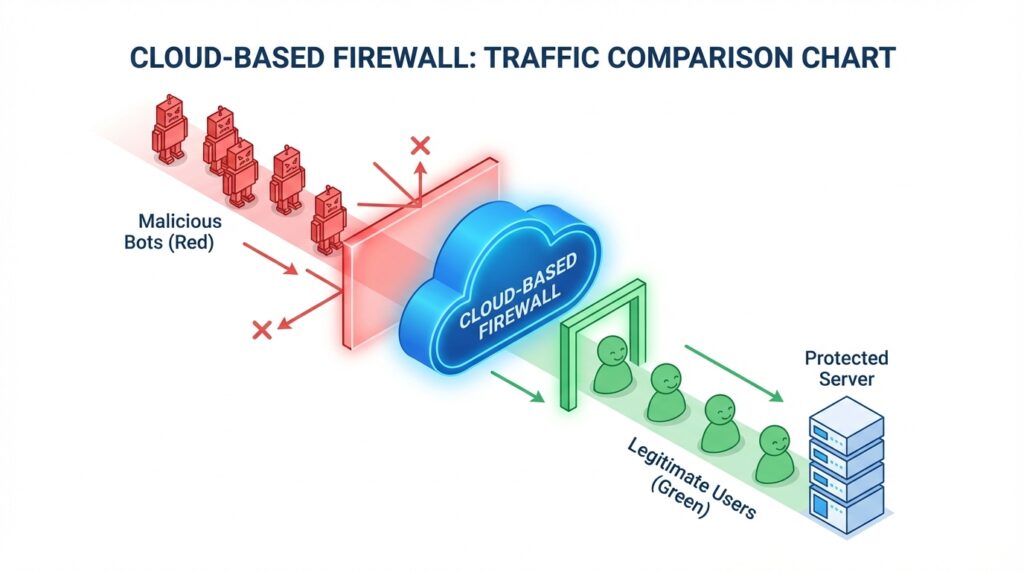
- Web Application Firewall (WAF): Think of this as a bouncer. It stands between your site and the internet. It blocks bad traffic before it even loads your site.
- Malware Scanner: This checks your files. It looks for malicious code that shouldn’t be there.
- Login Hardening: Hackers use “brute force” attacks to guess your password. Good plugins stop this with limits and Two-Factor Authentication (2FA).
- Activity Logs: You need to know what is happening. Who logged in? Who changed that file? Logs tell you the story.
- Post-Hack Cleanup: If the worst happens, can the plugin fix it? Some offer one-click repairs.
Now, let’s look at the top contenders.
Our 10 Best WordPress Security Plugins for 2026
We analyzed the market. We looked at features, speed, and reliability. Here are the 10 plugins that stand out.
1. Wordfence Security – The Popular Choice

Wordfence is a giant in the industry. And for good reason. It offers a comprehensive suite of tools that covers almost everything.
Why we like it: It includes an endpoint firewall and a malware scanner built specifically for WordPress. The “Threat Defense Feed” arms your site with the newest firewall rules.
- Key Feature: Real-time traffic monitoring. You can watch bots trying to hit your site in real-time.
- Best For: Everyone. From blogs to e-commerce stores.
- The Catch: It runs on your server. If you have a massive site on cheap hosting, it might slow things down slightly.
2. Sucuri Security – The Performance Choice
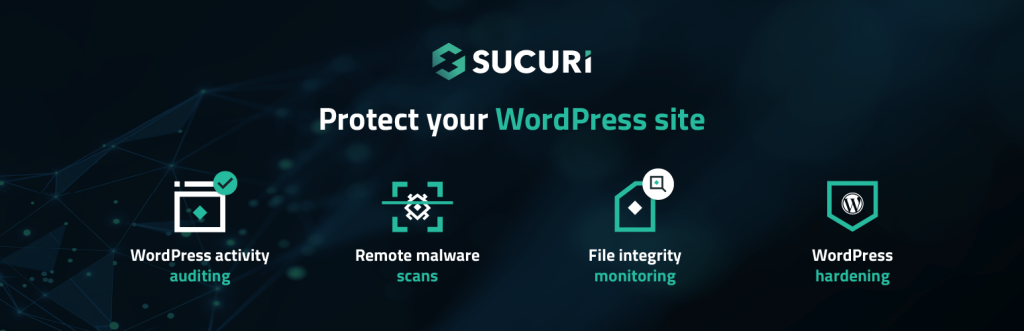
Sucuri is a legend in web security. They don’t just make a plugin; they offer a complete platform. If speed is your priority, this is a strong contender.
Why we like it: Their WAF is cloud-based (in the premium version). That means bad traffic is blocked on their servers, not yours. This reduces server load.
- Key Feature: Post-hack cleanup services. If you get hacked, their team cleans it up manually.
- Best For: Business owners who want a hands-off solution.
- The Catch: The free plugin is limited. The real power is in the paid WAF.
3. Solid Security (Formerly iThemes) – The Hardening Expert
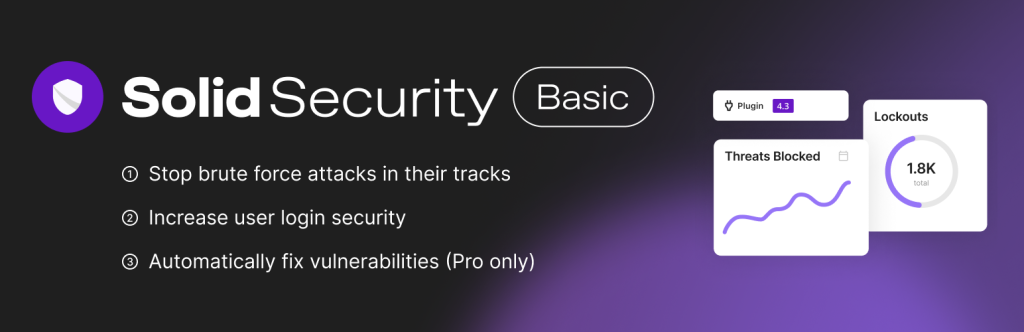
Solid Security focuses on locking the doors and windows. It offers over 30 ways to secure and protect your WordPress site.
Why we like it: It is incredibly user-friendly. The dashboard gives you a checklist. You just go down the list and turn things on.
- Key Feature: “Away Mode.” You can lock the WordPress dashboard entirely during hours when you aren’t working.
- Best For: Users who want a guided, checklist-style setup.
- The Catch: It doesn’t have its own firewall engine like Wordfence. It relies on standard hardening rules.
4. All In One WP Security & Firewall – The Free Warrior
Budget is a factor for many. If you want maximum features for zero dollars, this is your plugin. It is famous for being 100% free.
Why we like it: It uses a grading system. It gives your site a security score out of 100. It gamifies the process of securing your site.
- Key Feature: Visual graphs. You can see exactly how strong your security is at a glance.
- Best For: DIY users and startups on a tight budget.
- The Catch: The firewall is basic (based on .htaccess rules). It isn’t as advanced as a cloud WAF.
5. MalCare – The “Set and Forget” Solution
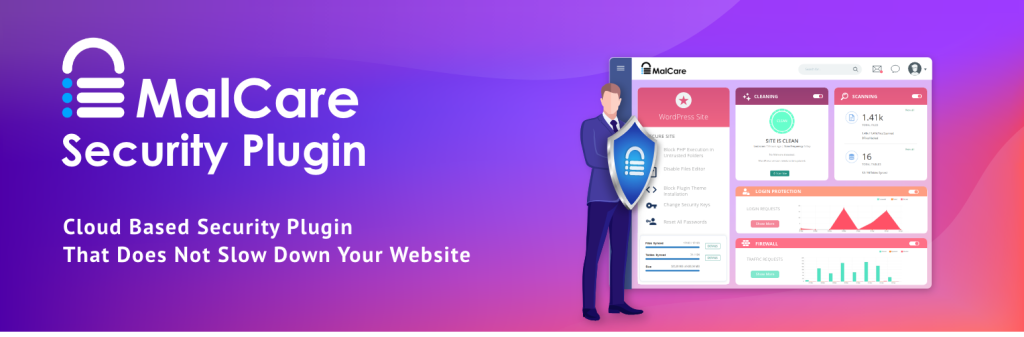
MalCare takes a different approach. It claims to be the fastest malware removal plugin on the market.
Why we like it: It scans your site on their servers. This means zero load on your website. It won’t slow down your page speed.
- Key Feature: One-Click Malware Removal. It finds the virus and deletes it instantly.
- Best For: Non-techies who just want the problem fixed fast.
- The Catch: The automatic removal is a paid feature.
6. Jetpack Protect – The Simple Option
You probably know Jetpack. It’s from Automattic, the people behind WordPress.com. Jetpack Protect is their focused security module.
Why we like it: It is easy. If you already use Jetpack for stats or social sharing, turning this on is a no-brainer.
- Key Feature: Downtime monitoring. It emails you the second your site goes offline.
- Best For: Beginners who want a simple, integrated solution.
- The Catch: It is very basic. It lacks the deep customization of plugins like Wordfence.
7. BulletProof Security – The Techie’s Dream

This one is not for the faint of heart. BulletProof Security is powerful, but it looks like a control panel from a spaceship.
Why we like it: It handles .htaccess security better than almost anyone. It locks down your core files tight.
- Key Feature: MScan Malware Scanner. It is thorough and effective.
- Best For: Developers and advanced users who want granular control.
- The Catch: The interface is dated and complex. Beginners might feel overwhelmed.
8. WPScan – The Vulnerability Detective
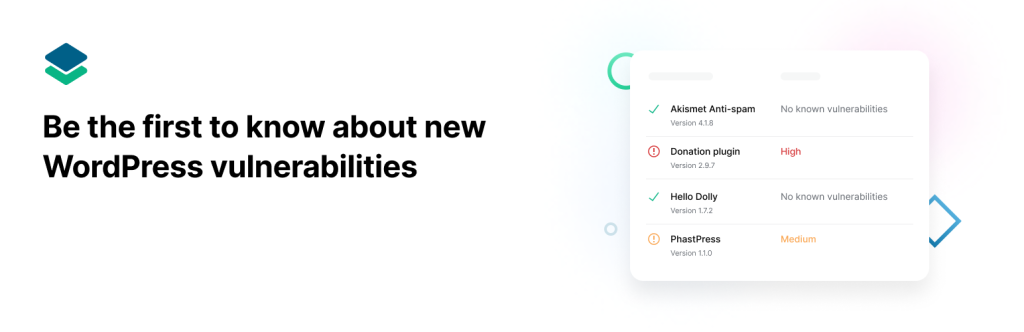
WPScan is different. It doesn’t just block attacks. It scans your site against a massive database of known vulnerabilities.
Why we like it: It tells you if your plugins are outdated or have known security holes. It is proactive.
- Key Feature: Their vulnerability database is used by security pros worldwide.
- Best For: Identifying weak spots before hackers do.
- The Catch: It is primarily a scanner, not a firewall. You should use it alongside another plugin.
9. Hide My WP Ghost – The Stealth Mode
Security through obscurity. That is the motto here. This plugin hides the fact that you are using WordPress.
Why we like it: It changes your common paths. Hackers look for “wp-admin” or “wp-login.” This plugin moves them.
- Key Feature: Intrusion Detection System. It adds a layer of protection against SQL injections.
- Best For: Stopping automated bots that look for default WordPress setups.
- The Catch: Changing default paths can sometimes break other plugins. Test carefully.
10. Security Ninja – The Auditor
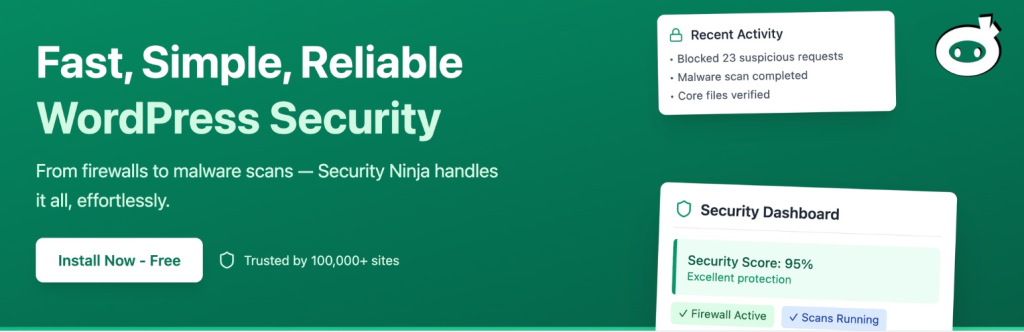
Think of this as a health checkup for your site. Security Ninja runs over 50 tests in seconds.
Why we like it: It checks everything. Passwords, file permissions, database settings. It leaves no stone unturned.
- Key Feature: Auto Fixer. The pro version can fix the issues it finds with one click.
- Best For: Running a quick audit to see where you stand.
- The Catch: Like WPScan, it is more of an auditor than a live shield in the free version.
Beyond Plugins: The Holistic Approach
Installing one of these Best WordPress Security Plugins is a great first step. But here is the reality check. A plugin is just software. And software runs on your server.
If your server is weak, your plugin can’t save you.
At Infineural Technologies, we believe in a holistic approach. We don’t just slap a plugin on a site and walk away. We build security into the foundation. This aligns with our API Security Best Practices where we emphasize that layers of defense are essential.
Think about it. Do you want to spend your weekends reading security logs? Or do you want to focus on growing your business?
Our managed WordPress development services include:
- Server-Side Hardening: We secure the environment where your site lives.
- Proactive Updates: We update your plugins safely, so you never have to worry about breaking your site.
- Real-Time Monitoring: We watch the gates so you don’t have to.
3. Solid Security (Formerly iThemes Security) – The User-Friendly Powerhouse
Here is something most guides won’t tell you. Security plugins can be heavy. Really heavy.
If you use an “Endpoint Firewall” like Wordfence, it checks every visitor against a list of rules. This uses your server’s CPU and RAM. If you are on a shared hosting plan, a big attack can actually crash your site because the security plugin is working so hard.
This is why understanding Core Web Vitals is important. You don’t want to kill your speed to save your security.
Our advice?
- If you have a high-traffic site, consider a Cloud WAF like Sucuri or Cloudflare. They filter traffic before it hits your server.
- If you are on a budget, use a lightweight scanner like MalCare combined with a strong firewall.
Don’t Forget the Basics: TLS and SSL
Before you install any plugin, check your basics. Do you have an SSL certificate? Is your site loading over HTTPS?
Plugins handle the application layer. But TLS Encryption handles the data in transit. It ensures that when a customer types in their credit card, no one can intercept it. Without this, even the best plugin is useless against data sniffing.
Quick Comparison: Choosing Your Weapon
Still not sure? Let’s simplify it.
| Plugin | Best For | Price Model | Performance Impact |
|---|---|---|---|
| Wordfence | Overall Protection | Freemium | Medium |
| Sucuri | DDoS & Speed | Paid (mostly) | Low |
| Solid Security | Hardening | Freemium | Low |
| MalCare | Malware Removal | Paid (for cleanup) | Very Low |
| All In One | Free Features | Free | Low |
Frequently Asked Questions
1. Do I really need a security plugin?
Yes. WordPress is secure, but themes and plugins introduce vulnerabilities. A security plugin is your safety net.
2. Can I use two security plugins at once?
Generally, no. Running two firewalls will cause conflicts and crash your site. Pick one good one.
3. Will a security plugin slow down my site?
It can. Cloud-based firewalls (like Sucuri) are faster than endpoint firewalls (like Wordfence) because they run off-site.
4. Is the free version of Wordfence enough?
For small blogs, yes. But the free version has a 30-day delay on new firewall rules. Business sites should upgrade.
5. What is a WAF?
Web Application Firewall. It is a shield that blocks bad traffic before it reaches your website.
6. My site was hacked. What do I do?
Don’t panic. Change all passwords immediately. Use a plugin like MalCare or Wordfence to scan and clean the files. Or call an expert.
7. How often should I scan my site?
Daily. Most plugins allow you to schedule this automatically so you don’t have to remember.
8. Does hosting affect security?
Absolutely. Cheap shared hosting is often less secure. Managed WordPress hosting usually includes better server-level protection.
Can I use two WordPress security plugins at the same time?
Security isn’t a product. It is a process. The Best WordPress Security Plugins are powerful tools, but they are just one piece of the puzzle.
You need to keep your software updated. You need strong passwords. And you need a partner who understands the digital threats of 2026.
Don’t wait for a hack to happen. Take action now.
Need help locking down your site? At Infineural Technologies, we specialize in building secure, high-performance websites that drive growth. Contact us today for a comprehensive security audit.
Emerging Threats in 2026: AI-Driven Attacks and Zero-Trust Architecture

The security landscape has shifted. We are no longer just fighting human hackers; we are fighting autonomous AI agents. These bots can ‘hallucinate’ exploits and test thousands of variations of a password in seconds. This is why a standard firewall is no longer enough.
The Rise of Zero-Trust for WordPress
In 2026, the ‘Zero-Trust’ model is the gold standard. This means your website assumes every user, even an administrator, is a potential threat until proven otherwise. Modern plugins now use biometric 2FA and geofencing to ensure that only the right people have access to your dashboard. This level of security is vital for high-stakes industries, such as manufacturing companies that store sensitive proprietary designs.
API Security: The New Frontier
As WordPress becomes more headless and integrated with other apps, the REST API has become a major target. Hackers use ‘API Injection’ to bypass your frontend entirely. Ensure your chosen security plugin has specific ‘API Hardening’ features enabled to prevent data leaks. This is especially important if you are using AI Overview Optimization strategies, as search bots and AI crawlers need secure, authenticated paths to index your content correctly.
Implementing these advanced measures isn’t just about protection; it’s about digital wellness. Knowing your hard work is safe allows you to focus on growth rather than disaster recovery.