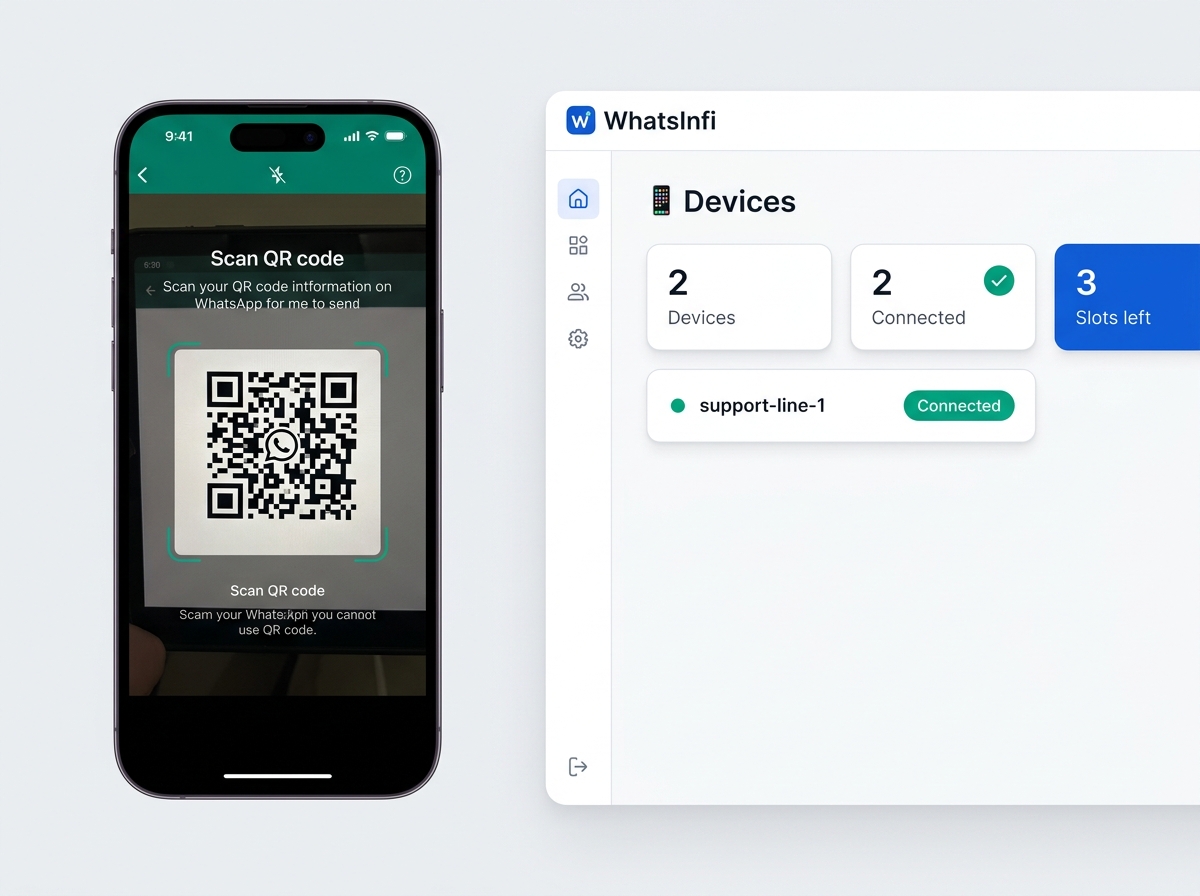
Email invoices get buried. A free WHMCS addon connects your billing to WhatsInfi so every invoice, payment confirmation, overdue reminder, service and domain notice, and support-ticket update goes out on WhatsApp automatically — and your AI auto-reply can answer "where's my invoice?" with the real number and balance. Installs in about five minutes. Nothing to pay, ever.
Free forever · No card required · WHMCS 8.0+ · Your billing data never leaves your server except as the events you send
What it does for your business
A billing email that goes unread is an invoice that gets paid late — or a support ticket you have to answer by hand. Here's what changes the moment WHMCS is talking to WhatsApp.
New invoices, payment reminders and overdue notices arrive on WhatsApp and get read in minutes, not whenever someone next checks a spam-filtered inbox. Faster eyes on the invoice means faster payment.
Automatic payment confirmations and refund updates mean customers stop opening "has my payment gone through?" tickets. Your team answers real questions instead.
Not just invoices. Service suspension and reactivation, cancellation confirmations, domain registration, renewal and expiry notices, support-ticket replies — any WHMCS template becomes a WhatsApp message with one rule.
When your team replies to a ticket, the customer gets a WhatsApp nudge to go read it — so conversations don't stall for a day because a notification email was missed.
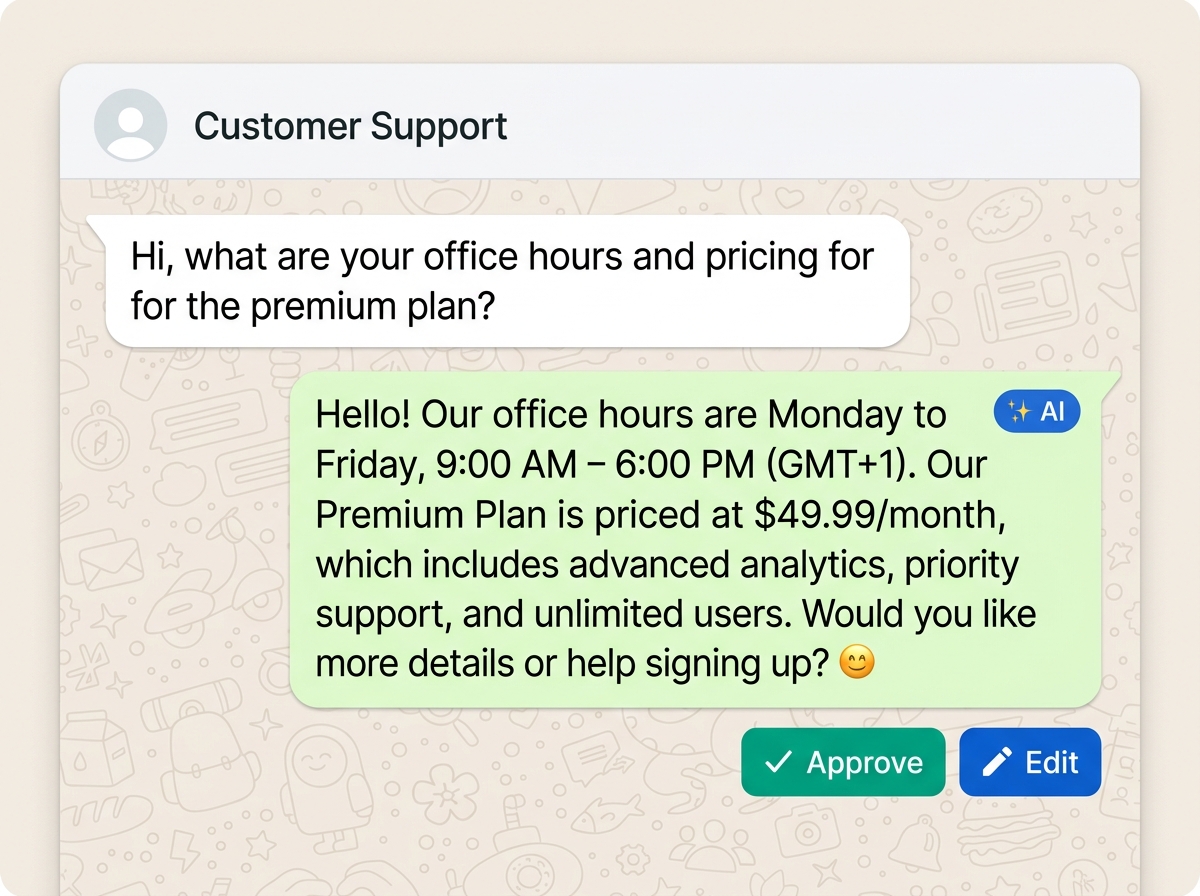
The addon feeds live invoice and product data to your WhatsInfi auto-reply, so it responds with the actual invoice number, status and balance instead of a canned "please check your client area".
The addon only ever pushes events out. It never changes an invoice, never touches WHMCS's own email, and can never block a send. Admin and password-reset mail are excluded outright. Turn it off and WHMCS is exactly as it was.
What flows to WhatsApp
Billing events map to structured triggers; everything else is mirrored from the email WHMCS already sends, so a WhatsApp message can carry the same details as the template.
You choose which of these actually message customers — nothing sends until you switch a rule on. Admin, system and password-reset emails are never mirrored.
Setup
Copy the whatsinfi_connector folder into your WHMCS install's modules/addons/ directory. No composer, no build step.
System Settings → Addon Modules → WhatsInfi Connector → Activate, then grant access to the admin roles that should see it.
In WhatsInfi: Integrations → Connect a store → WHMCS, and copy the key. Paste it into the addon settings and save.
Click Save & connect. The status turns green, and WhatsInfi drops in 23 ready-to-edit WhatsApp rules — all paused. Review the wording, then switch on the ones you want.
No cron changes needed — the addon hooks WHMCS's existing cron for a twice-daily reconciliation sweep so nothing is missed if a webhook ever fails.
Why it's free
The connector itself costs nothing and is free on every WhatsInfi plan — the free tier included. All you need is a WhatsInfi workspace and one connected WhatsApp number. Message volume counts toward your plan's allowance, and the free tier is enough to run billing notifications for a small book of clients. Upgrade only when you outgrow it.
Before you start
The addon uses the standard WHMCS hook and addon-module system.
Same baseline modern WHMCS already runs on.
Create one on the free tier — no card required.
Linked by QR code or the official Meta Cloud API.
Common questions
Yes. The WHMCS addon module is free to download and use, on every WhatsInfi plan including the free tier. The only thing that consumes your plan allowance is the WhatsApp messages it sends.
No. The addon only reads billing data and pushes events out to WhatsInfi. It never edits an invoice, never changes a WHMCS setting, and it is technically incapable of blocking or altering an email WHMCS sends. Deactivate it and WHMCS behaves exactly as before.
For each email WHMCS sends to a client who has a phone number on file, the addon mirrors the template name and its merge fields to WhatsInfi. If you have a workflow rule for that template, it goes out as WhatsApp using the same details. Admin and system emails, and password-reset or verification emails, are never mirrored.
No. The 23 starter rules are all created paused. Nothing messages a customer until you review the wording and switch a rule on.
Each event is retried, and a twice-daily reconciliation sweep re-pushes recent invoices so a transient failure self-heals. Failures are also written to the WHMCS Activity Log.
Yes. The connector talks to WhatsInfi, and WhatsInfi sends over whichever number you connected — a QR-linked device or your official Meta Cloud API number. The addon doesn't care which.
Disconnecting the store in WhatsInfi deletes the invoices and products synced from WHMCS. Your conversation history with contacts is left untouched, and WHMCS keeps everything — nothing was ever moved, only copied as events.
Download the free addon, connect it to a WhatsInfi workspace, and switch on the notifications your customers should be getting. Five minutes, no card, no lock-in.
Free forever · WHMCS 8.0+ · Works with QR or Cloud API numbers