The Short Answer: Which Search Engine Wins for Images?
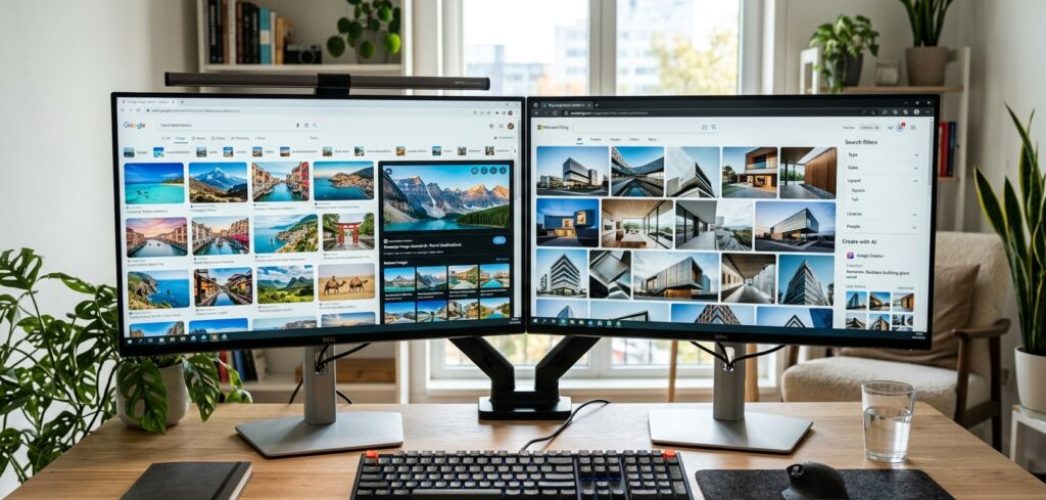
Choosing between Google and Bing for image search in 2026 depends on whether you want sheer volume or surgical precision. Google remains the king of mobile integration and speed. If you use an Android phone or Chrome, Google Lens makes identifying objects in the real world nearly instant. However, Bing has overtaken Google for professional creators who need granular filters and built-in AI generation tools.
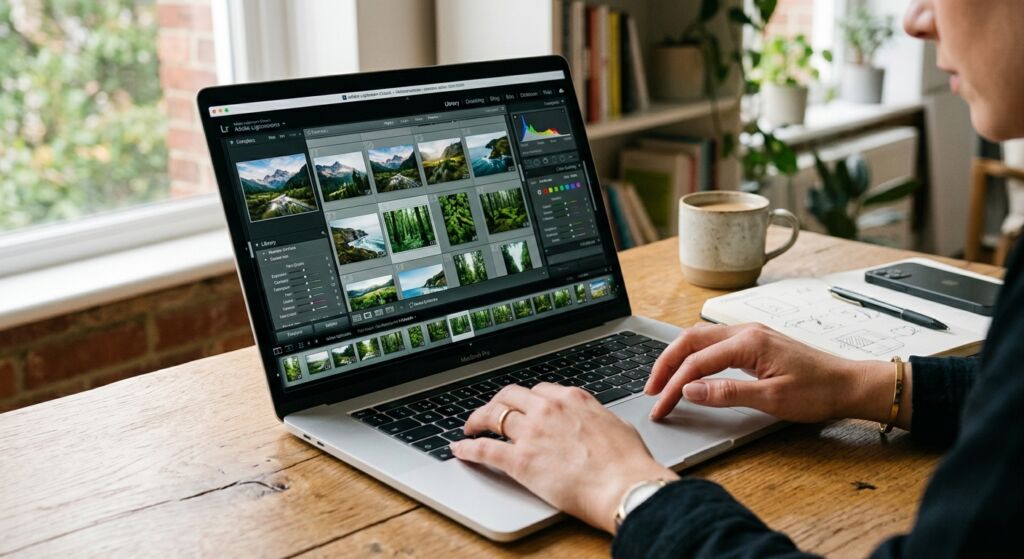
In our work at Infineural Technologies, we have found that Google works best for finding specific products or general inspiration. Bing is the better choice for designers who need to filter by specific aspect ratios or find high-resolution wallpapers without clicking through ten different sites. Both platforms have added massive AI updates this year, making the choice harder than ever.
Google Image Search: The Speed King
Google remains the default for most people because it is fast. By April 2026, the search giant has integrated its Gemini 2.0 vision models directly into the search bar. This means you can describe a complex scene, like a red car driving through a rainy Tokyo street at night, and Google will find existing photos that match that exact mood. This is a step beyond simple keyword matching.
The biggest pro for Google is its massive index. It sees more of the web than anyone else. If a photo exists on a small blog in rural India, Google likely found it first. For marketers looking for hyper-local digital marketing assets, this coverage is hard to beat. The downside is the interface. Google has increasingly cluttered the top of the results with sponsored product listings and AI-generated overviews, pushing organic images further down the page.
Bing Image Search: The Pro Designer Choice
Bing has carved out a niche by offering tools that Google lacks. One of the best features is the layout. Bing uses a clean, edge-to-edge grid that feels like a gallery rather than a list of links. It makes scanning hundreds of images much faster. For a detailed breakdown of where these platforms sit in the wider market, check out our Top Search Engines List: 12 Best Platforms for Traffic (2026).
The real power of Bing lies in its filters. You can filter by color, size, and layout, but Bing goes further. You can filter by "People" to show only headshots or full-body photos. This is incredibly useful for presentation designers. Bing also integrates DALL-E 4 directly into the search interface. If you cannot find the perfect image, you just click a button to generate it on the spot. Google has a similar feature, but Bing’s implementation feels more intuitive for daily use.
Visual Search: Google Lens vs. Bing Visual Search
Visual search has changed how we shop and research. Google Lens is the industry standard here. In 2026, it can identify specific clothing brands, plant species, and even translate text on a moving screen with 99% accuracy. It is the ultimate tool for mobile users who see something in the world and want to find it online immediately.
Bing Visual Search is better for desktop users. If you find an image on a website, you can drag and drop it into Bing to find similar styles or higher-resolution versions. Bing is particularly good at finding the original source of an image. This helps when you need to verify licensing or give proper credit to a creator. While Google is better at recognizing objects, Bing is often better at finding visually similar artistic styles.
Comparing Licensing and Copyright Tools
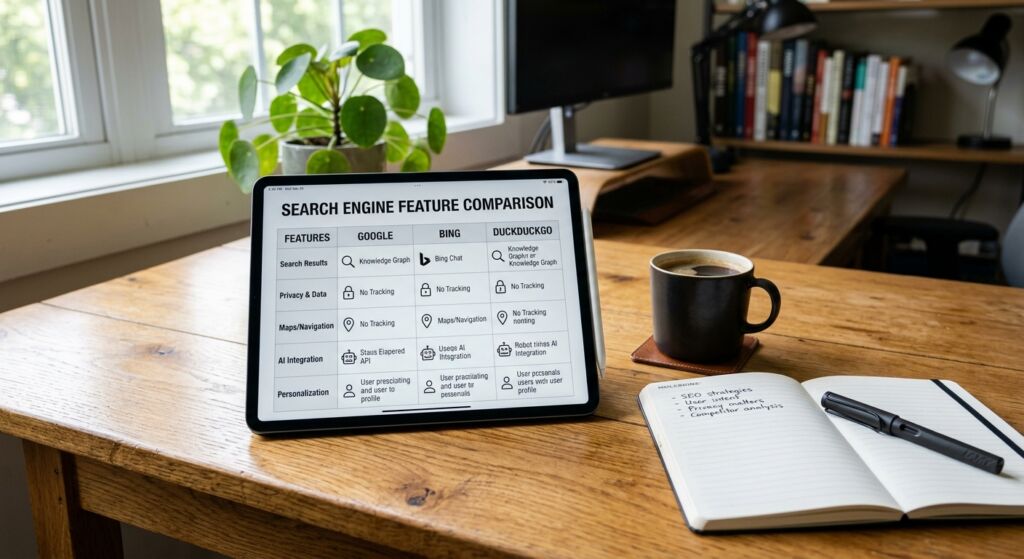
Finding images you can actually use without getting sued is a challenge. Google uses a "Usage Rights" filter that sorts by Creative Commons licenses or Commercial licenses. It is straightforward but often misses images that are mislabeled by their owners. This is a common failure mode for researchers who need legal certainty.
Bing handles this slightly better by showing the license type directly in the image preview. In 2026, Bing also added a feature that flags images likely to be AI-generated. This is a big deal for publishers who want to avoid the "plastic" look of low-quality AI art. If you are doing academic research, having these clear markers saves hours of manual checking.
User Experience and Interface Shifts in 2026
The way we interact with these search engines has shifted toward chat-based interfaces. Google’s Search Generative Experience (SGE) now creates a collage of images based on your conversation. It feels more like a mood board than a search result. It is great for brainstorming but bad for finding a specific file you saw last week.
Bing has stayed more traditional with its image tab while adding an AI sidebar. This gives you the best of both worlds. You get the familiar grid of results, but you can ask the AI to "find more images like the third one but with more blue tones." This level of control is why many power users are switching to Bing for their creative workflows. It is also a key part of AI overview optimization strategies we recommend to our clients.
The Verdict for Marketers and Creators
Use Google if you are on the go. Its mobile app and Lens integration are miles ahead of the competition. It is also the best tool for finding products to buy, thanks to its deep integration with Google Shopping. If you need to find a specific pair of shoes you saw on the street, Google is your best bet.
Use Bing if you are sitting at a desk and working on a project. The filters, the gallery view, and the integrated DALL-E 4 generation make it a superior workstation tool. It handles high-resolution searches better and provides more information about the image without forcing you to click through to the host website. At Infineural Technologies, our design team uses Bing for 70% of their initial image research for this exact reason.
Frequently Asked Questions
Which search engine is better for high-resolution images in 2026?
Bing generally offers better filtering for high-resolution and "extra-large" images than Google. Its interface also makes it easier to see image dimensions without clicking.
Does Google or Bing have better AI image generation?
As of April 2026, Bing’s DALL-E 4 integration is more user-friendly and produces higher-quality creative assets. Google’s Imagen 3 is better at photorealism but is more restricted in search.
Is Google Lens better than Bing Visual Search?
Google Lens is superior for mobile use and object identification in the physical world. Bing Visual Search is better for desktop users looking for visually similar artistic styles.
Which engine is safer for finding royalty-free images?
Both are similar, but Bing provides clearer license badges directly in the search results grid. Always verify the license on the source website before using an image commercially.
Can I search for images by color on both platforms?
Yes, both Google and Bing allow you to filter by dominant color. Bing’s color filter is slightly more accurate for subtle shades like teal or mauve.
Which search engine is better for finding products to buy?
Google is the winner for shopping because it links directly to merchants and shows real-time pricing and reviews. It is the standard for transactional image searches.
How do I find the original source of an image in 2026?
Use Bing’s reverse image search, as it often identifies the earliest instance of an image better than Google. This is helpful for debunking fake news or finding creators.
Does Bing or Google show more ads in image search?
Google currently displays more sponsored product listings at the top of image results. Bing has ads, but they are often placed less intrusively within the grid.
Ready to master your digital presence in 2026? Whether you are optimizing for Google or Bing, the team at Infineural Technologies can help you build a content strategy that wins. Reach out to us today to see how we can grow your traffic and visibility.